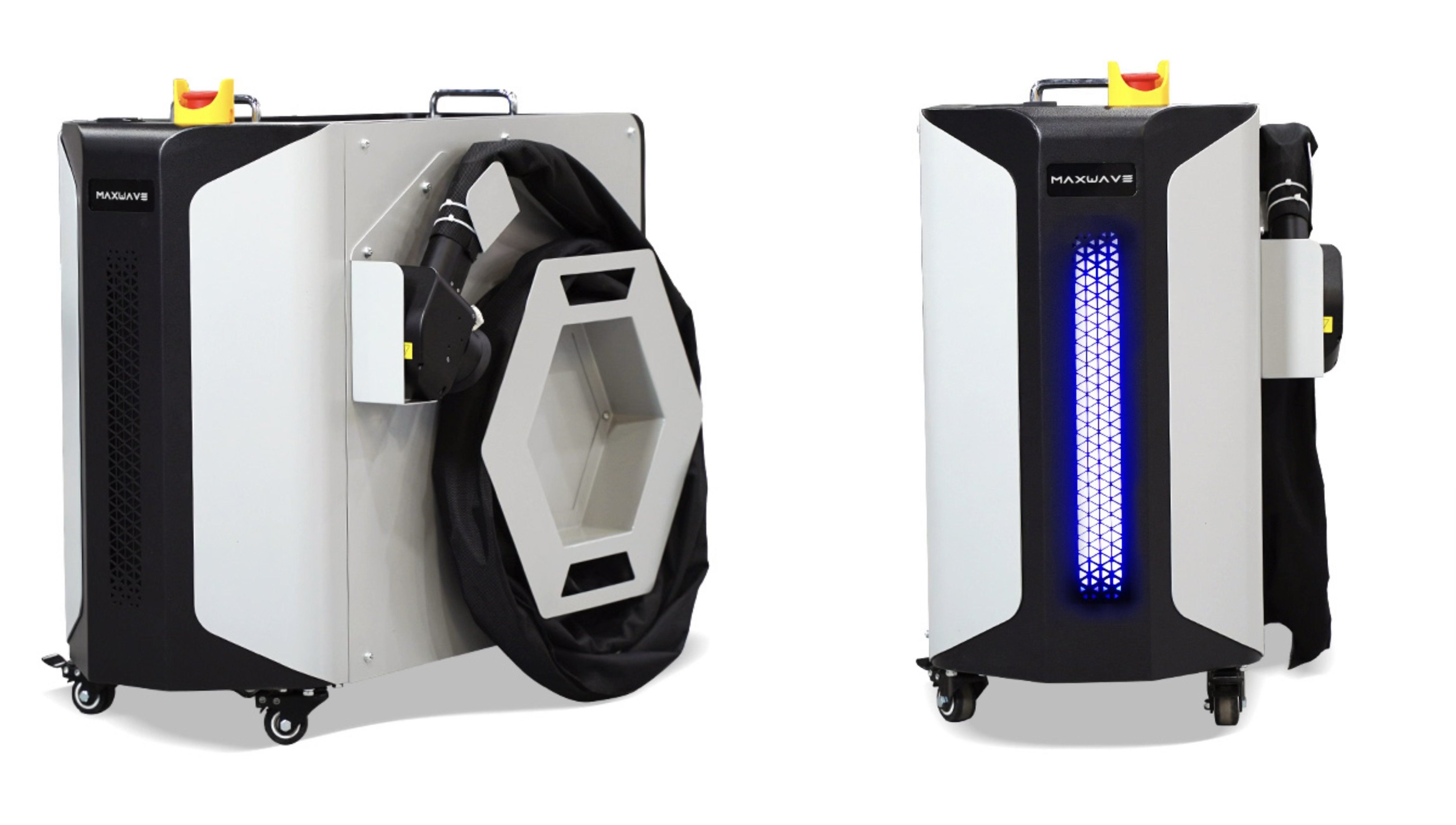
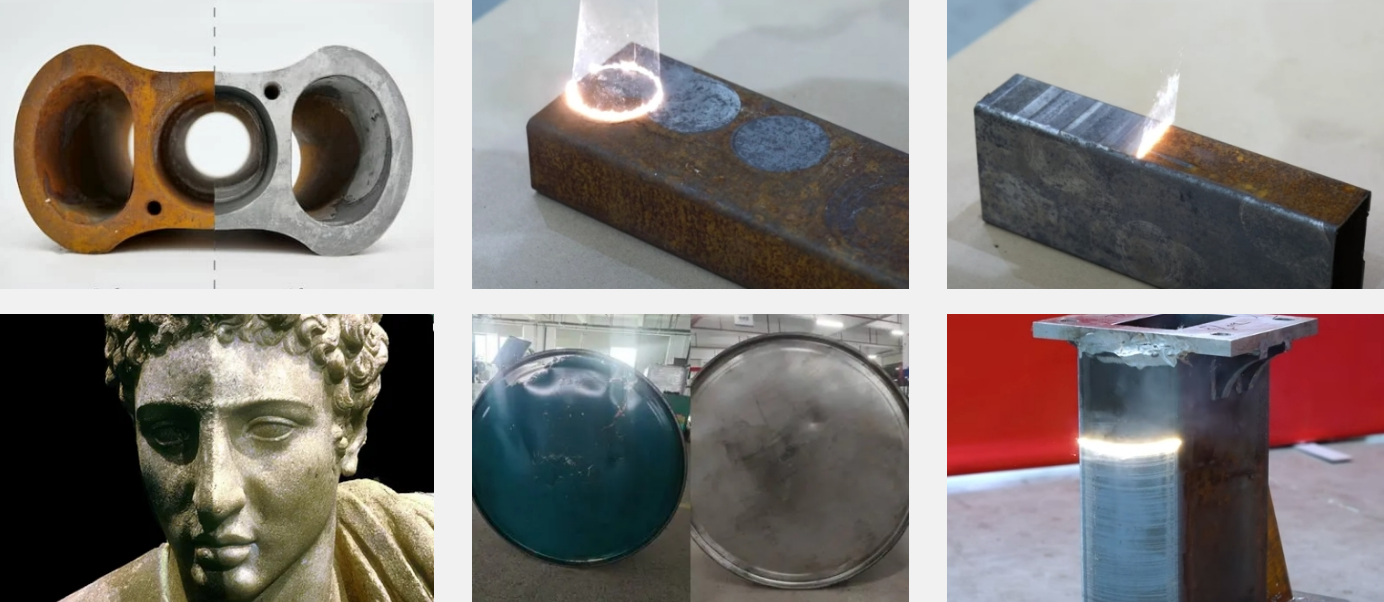
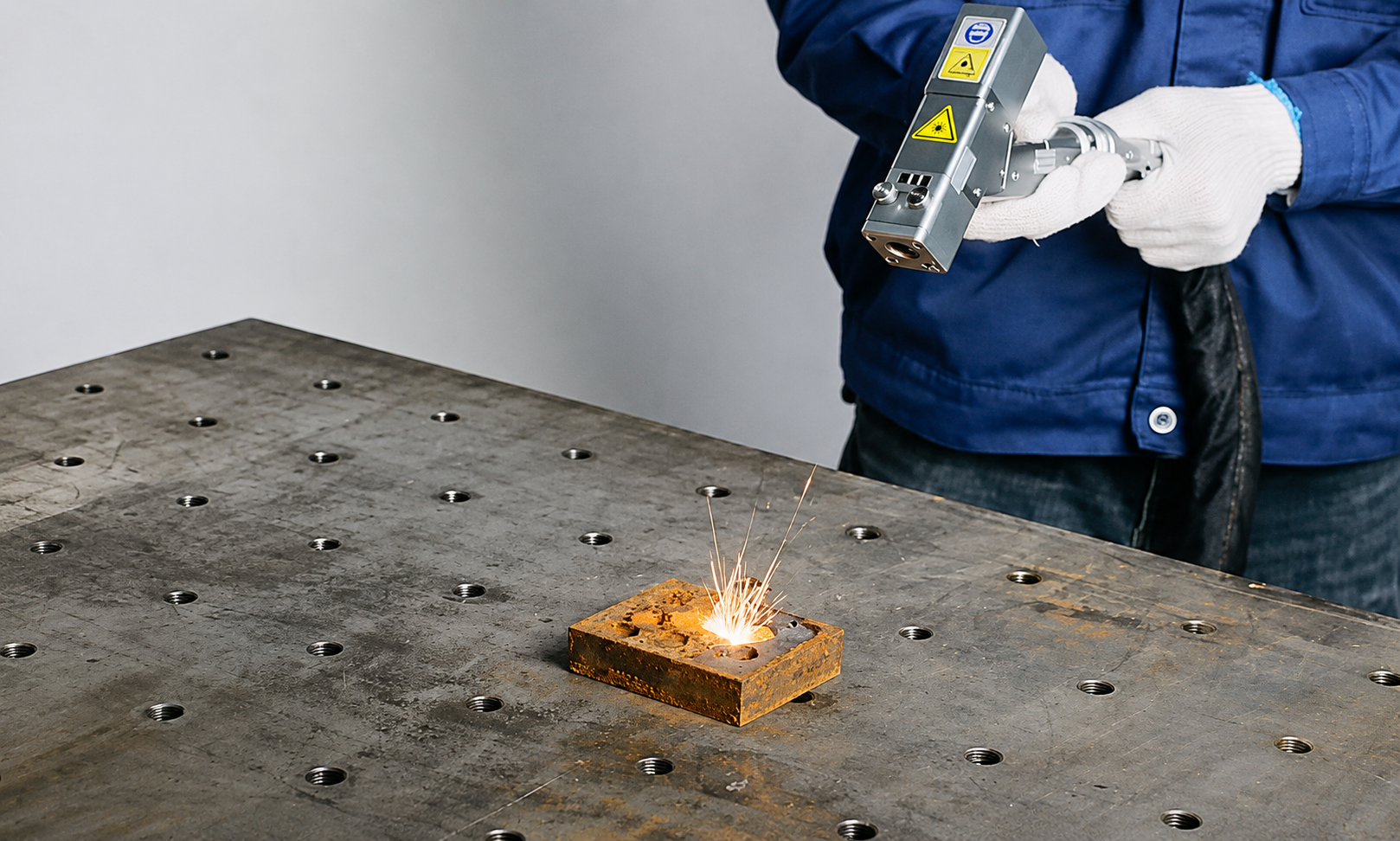
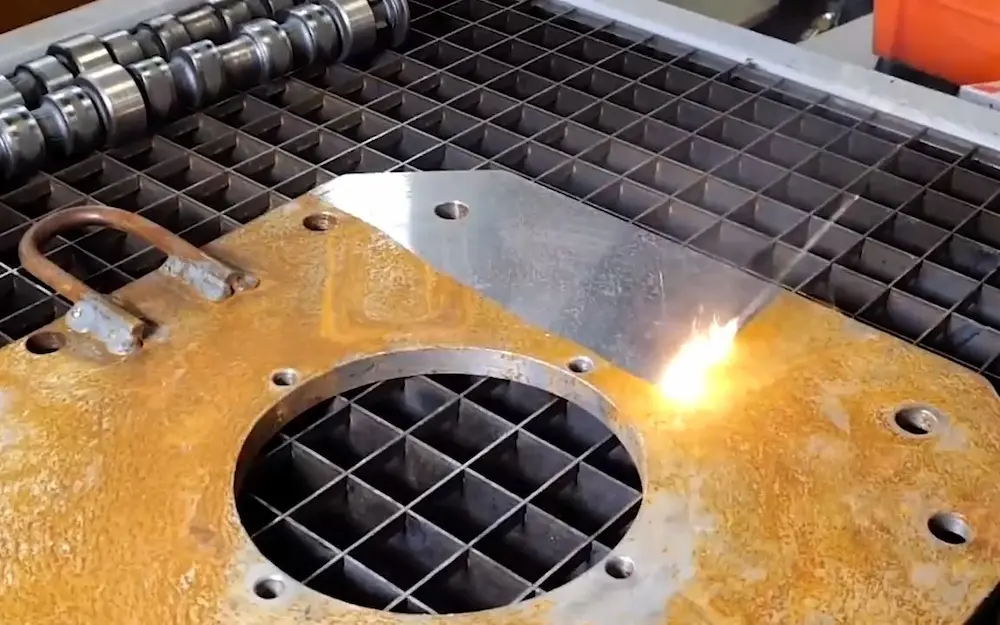
A laser cleaning machine does not need complicated servicing every day, but it does need a consistent inspection routine.
For most operators, daily maintenance comes down to five things: protect the optics, protect the fiber cable, keep the cooling system working properly, maintain good fume extraction, and watch for changes in cleaning performance.
These checks usually take only a few minutes, but they can help prevent the problems that cause unexpected downtime: weaker cleaning power, uneven scan patterns, overheating alarms, contaminated protective lenses, damaged fiber cables, or a machine that suddenly needs multiple passes to achieve the same result.
For anyone operating a laser cleaning machine regularly, the goal of daily maintenance is not to dismantle the equipment. It is to notice small changes before they become expensive repairs.
A practical routine is:
Before work → Inspect the machine and protective components.
During cleaning → Watch output, temperature, sound and extraction.
After work → Clean the working area, protect the optics and store the machine correctly.
1. What Should You Check Before Starting a Laser Cleaner?
Start each working day with a quick visual and functional inspection.
You are mainly checking whether anything changed since the machine was last used.
A simple daily checklist looks like this:
Daily Check | What to Look For | Why It Matters |
|---|---|---|
Protective lens/window | Dust, smoke residue, stains, scratches or burn marks | Contamination can reduce cleaning performance |
Fiber cable | Sharp bends, crushing, abrasion or damaged connectors | Fiber damage can affect beam delivery |
Cleaning head | Loose parts, contamination or visible damage | Helps maintain stable scanning |
Cooling system | Normal coolant level/no alarms, or clear air vents on air-cooled systems | Prevents overheating |
Fume extraction | Hose connected, airflow available, filter system running | Keeps removed contamination away from operator and optics |
Safety devices | Emergency stop, warning indicators and required protection available | Essential before laser operation |
Test cleaning | Normal cleaning pattern on scrap or test area | Confirms the machine is behaving normally |
The protective lens deserves particular attention.
Rust, paint, oxide and other contamination become fine particles and fumes during cleaning. Some of this material can eventually reach the protective window in front of the optical system.
That does not mean the lens needs aggressive cleaning every morning.
A better rule for laser cleaner protective lens maintenance is:
Inspect daily. Clean when necessary. Replace when damaged.
Unnecessary wiping can also damage optical coatings, especially when dust is rubbed across the surface.
If cleaning is required, use the optical-cleaning materials and procedure recommended by the manufacturer. Avoid ordinary shop towels, dirty cloths or household glass cleaners.
The fiber cable should also receive a quick visual inspection.
Do not pull the machine by the fiber cable, place heavy objects on it or force it into sharp bends. During mobile cleaning work, cable damage can happen surprisingly easily when the operator moves around large machinery, vehicles or structural components.
For a handheld laser cleaner for industrial use, good cable management is therefore part of daily maintenance, not simply good housekeeping.
Cooling is the other major pre-start check.
For water-cooled machines, make sure the coolant level is normal, no obvious leakage is present and the chiller displays no warning.
For air-cooled systems, keep air inlets and outlets unobstructed.
Daily maintenance does not mean replacing coolant every day. It means noticing an abnormal condition before starting a long cleaning session.
Finally, confirm that the extraction system is ready.
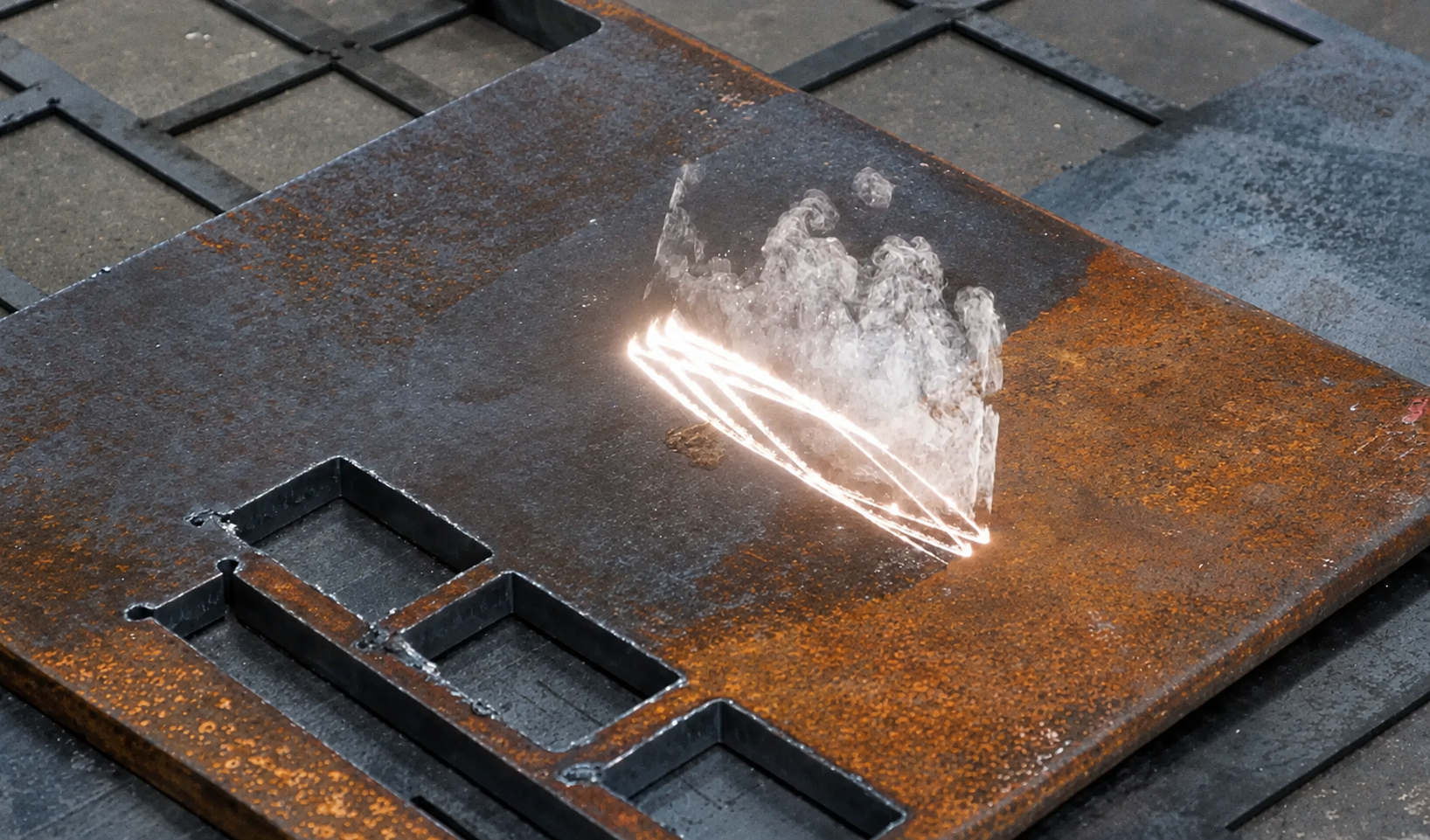
Laser cleaning does not make rust or coating material disappear. Removed contamination becomes particles and fumes, so effective extraction remains an important part of the process.
2. What Should You Monitor During Cleaning and After the Job?
Once the machine starts working, cleaning performance itself becomes one of the best indicators of machine condition.
If the same material, contamination and parameter set suddenly produce a different result, investigate before immediately increasing power.
For example, suppose a rusted steel component normally cleans in one or two passes but suddenly requires repeated scanning.
Possible causes include a contaminated protective lens, incorrect working distance, parameter changes, cooling problems, excessive contamination buildup or a problem with the cleaning head.
This is where basic laser cleaner troubleshooting overlaps with daily maintenance.
Watch for four changes during operation: weaker cleaning performance, an uneven scan pattern, abnormal temperature and unusual sound or alarms.
A cleaning pattern should remain relatively stable. If one side becomes weaker, the beam looks abnormal, or the machine begins leaving inconsistent stripes, stop and inspect the equipment rather than continuing across the entire workpiece.
Temperature also matters.
If a machine that normally operates steadily suddenly begins generating temperature alarms or the cleaning head becomes unusually hot, check the cooling and ventilation system before continuing.
Do not simply reduce the workload and ignore the warning.
Unexpected sound deserves the same treatment. Operators become familiar with the normal sound of their own machine. New grinding, clicking, strong vibration or irregular operation should be treated as a reason to stop and inspect rather than something to “finish the job first.”
The extraction system should remain active throughout the cleaning process as well. A blocked filter or disconnected extraction hose can allow particles to accumulate near the work area and potentially increase contamination around the head.
End-of-Day Maintenance
At the end of the job, maintenance should still remain simple.
Remove dust and debris from the exterior of the machine and clean the work area. Inspect the cleaning head and protective window for contamination generated during the day's work.
Clean the protective optic only when needed and according to the manufacturer's procedure.
Check the fiber cable before storing the machine and coil or position it without sharp bends.
Make sure the cleaning gun or head is stored where dust, grinding debris, moisture and accidental impact are unlikely to damage it.
For mobile contractors, this becomes especially important because transportation may expose the machine to more vibration, dirt and handling than a permanently installed system.
You should also record unusual behavior.
A maintenance log does not need to be complicated. A simple note such as “protective lens cleaned,” “coolant slightly low,” “extraction filter needs checking” or “output seemed weaker during paint removal” can become extremely useful if the same symptom returns several days later.
For businesses using several operators, a log also prevents one shift from assuming another shift already handled the issue.
.jpg)
3. Which Parts Need the Most Daily Attention?
Not every component deserves the same amount of daily attention.
For most industrial laser cleaning equipment, four areas have the greatest effect on day-to-day reliability.
Protective optics come first. They sit between the contamination being removed and the more expensive optical components inside the system. Keeping this protection in good condition reduces the risk of contamination reaching deeper into the optical path.
But remember: cleaning and replacement are different things. Dust or light contamination may require cleaning. Scratches, cracks, severe burn marks or damaged coatings may require replacement.
The fiber cable comes second. It should move freely without being crushed, sharply bent or constantly dragged across abrasive surfaces. Cable condition matters particularly on handheld systems where the operator is moving continuously around the workpiece.
Cooling and ventilation come third. Stable temperature is essential for consistent equipment operation. Daily checks should focus on obvious changes: low coolant, leaks, blocked vents, dirty external airflow areas or active chiller alarms.
Extraction comes fourth. Rust, paint, oxide, oil residue and coatings can generate very different types of airborne contamination during laser cleaning. A functioning extraction system protects the working environment and reduces the amount of debris circulating around the machine.
The cleaning head itself should also remain clean and undamaged.
If your system uses a protective nozzle or removable front component, inspect it according to the manufacturer's instructions. Avoid unnecessary disassembly of the scanning head or internal optical path during routine daily maintenance.
That is service work, not normal operator cleaning.
4. What Is Not Part of Daily Maintenance?
One of the biggest problems with laser-cleaner maintenance guides is that they mix operator checks with deep technical servicing.
You should not be opening the laser source, dismantling the scanning head, adjusting internal optical alignment or opening electrical cabinets as part of a normal daily routine.
Those tasks belong to qualified technicians or manufacturer-approved service procedures.
Likewise, coolant replacement, filter replacement, optical calibration and deeper chiller servicing should follow the schedule for your specific machine rather than a universal internet interval.
A pulsed laser cleaner, high-power CW system and compact air-cooled machine may all have different maintenance requirements.
The useful distinction is:
Daily maintenance = inspection, cleaning and early warning.
Periodic maintenance = replacement, calibration and deeper servicing.
A simple schedule might look like this:
Frequency | Main Tasks |
|---|---|
Daily | Inspect protective lens, fiber cable, head, cooling, extraction and safety status; monitor cleaning performance; clean work area |
Weekly / regular interval | Inspect filters, airflow, connectors, hoses and common wear components |
Periodic / operating-hour based | Replace coolant or filters where required, inspect deeper optical/mechanical components, calibrate system |
Manufacturer service | Internal optics, electrical repair, laser-source service and major calibration |
The exact periodic intervals should come from the manual supplied with the machine.
This matters because unnecessary maintenance can be harmful too.
Opening optical systems unnecessarily introduces contamination. Excessive cleaning can scratch coatings. Incorrect coolant can damage a cooling loop. Unauthorized internal adjustments can create calibration problems that were not present before.
For daily operators, simple and consistent maintenance is generally better than repeatedly taking the equipment apart.
.jpg)
A Simple Daily Laser Cleaner Checklist
Before starting work:
Protective lens clean and undamaged? Fiber cable undamaged? Cooling normal? Extraction working? No warning alarms?
During cleaning:
Output stable? Scan pattern normal? Temperature normal? No unusual sound or error?
After cleaning:
Head inspected? Protective window checked? Exterior and work area clean? Fiber stored correctly? Any unusual behavior recorded?
That is the routine worth putting next to the machine.
Conclusion
Daily maintenance for a laser cleaning machine should be straightforward.
You do not need to dismantle the machine or perform a full service every morning.
Focus on the components that directly affect everyday cleaning performance: protective optics, fiber cable, cleaning head, cooling system, extraction and basic safety controls.
Inspect the machine before work, watch for changes while cleaning, and leave it clean and properly stored at the end of the job.
Most importantly, learn what “normal” looks like for your machine.
If cleaning suddenly becomes weaker, the scan pattern changes, temperature rises unexpectedly or a new sound appears, stop and inspect the basic maintenance points before increasing power or continuing across the workpiece.
For a professional laser cleaning machine, preventive inspection is usually much easier than diagnosing a fault after production has already stopped.
And keep daily maintenance separate from scheduled servicing. Operators should handle routine inspection and cleaning; deeper optical, cooling, electrical and laser-source maintenance should follow the manufacturer's service schedule.
Send LaserCleanerPro your machine type, power, application and expected daily operating hours. The technical team can recommend a suitable configuration and explain the routine maintenance, consumables, spare parts and support requirements before purchase.